
ecommerce content marketing for Store Operators
Plan ecommerce content marketing with real catalog details, review storefront changes, and check product, SEO, and publication details carefully before release.
Runner can support ecommerce content marketing by helping a store operator turn catalog and brand context into proposed storefront-page changes, then review and revise them before publication. It is best used as a controlled working space for product-led landing pages, collection narratives, and seasonal merchandising—not as a promise that every marketing channel, experiment, or sales result will run automatically.
For the operator responsible for an evolving merchandise catalog, the work begins with accurate product information and ends with a page that shoppers can understand. Runner keeps the page-building task near the store: prompt for a direction, inspect desktop, tablet, and phone views, and use chat or Design Mode to ask for specific, reviewable revisions. Availability of adjacent marketing tools can vary with store state and plan.
ecommerce content marketing for the merchandising operator
This work is particularly useful when a catalog needs more than a list of SKUs. A merchandiser may need to explain how a collection fits together, distinguish a new seasonal assortment from core inventory, or give shoppers a clearer path from a category page to the right product. The operator still makes the commerce decisions: which products should be featured, which variants deserve explanation, whether limited inventory should affect placement, and which claims need substantiation. Runner’s differentiator is the ability to build and revise storefront pages from prompts within the store workflow, rather than treating page copy as a disconnected document. That makes it easier to keep merchandising intent, page structure, and product details in view together.


Turn a content direction into reviewable storefront work
Start with a focused prompt that names the page, audience, products, and desired shopper action. Runner can prepare or revise the storefront page from that instruction. Review the result on desktop, tablet, and phone before deciding whether the hierarchy, product emphasis, and messaging fit the store. If a hero section overstates a product benefit, a category introduction buries the key buying distinction, or a mobile layout makes the next action unclear, use chat or Design Mode to request a change. Treat each iteration as a proposal, not a finished campaign. AI-generated output needs operator review, especially where product facts, availability, pricing language, comparison claims, or brand voice affect customer trust.
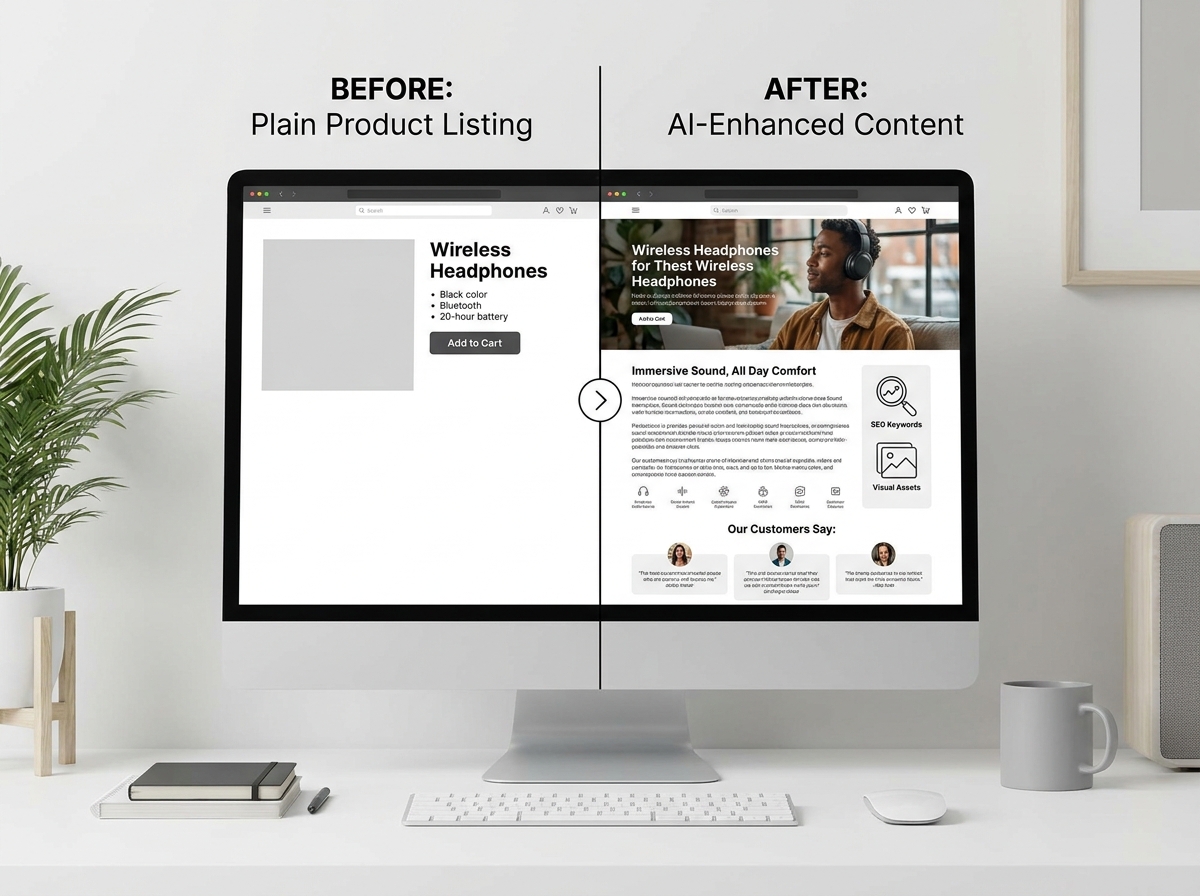

Give the page reliable catalog inputs and boundaries
Useful storefront content depends on the details available for the products being merchandised. Products can include names, descriptions, categories, images, prices, variants, inventory, SEO fields, and publication status; CSV import can help establish or update catalog data. Before asking for a page, decide which of those fields are authoritative and which require confirmation. For example, a fashion operator may need to clarify fit-related variant differences; a home-goods operator may need to distinguish dimensions, materials, or care considerations; a gift collection may need a clear seasonal cutoff that staff can support operationally. Do not ask copy to hide missing information. Instead, identify gaps, remove unsupported claims, and ensure discontinued or unpublished items are not positioned as available.
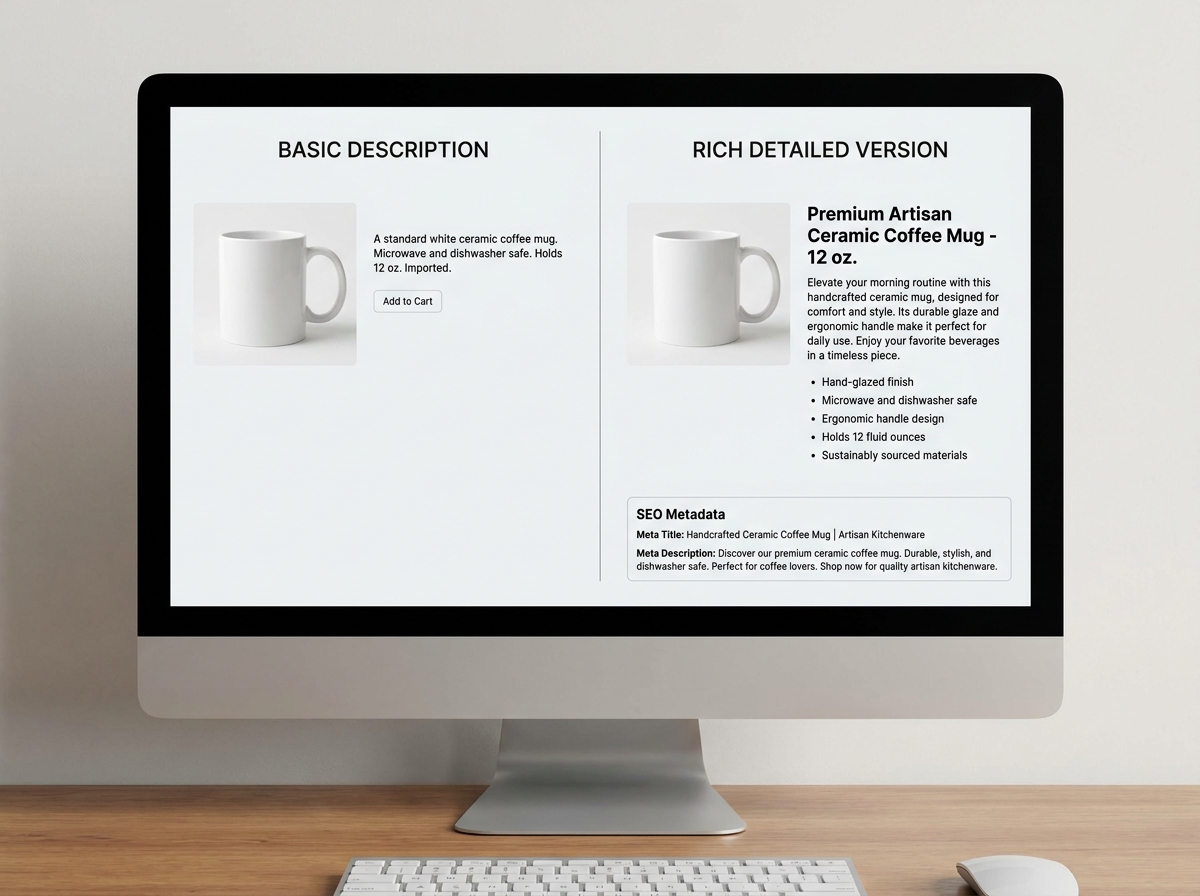
Check merchandising, SEO, and publication before release
A polished page should still pass a practical pre-publish review. Confirm that featured product names, prices, images, categories, and variants match the current catalog. Check inventory-sensitive placement: a nearly depleted item may not belong in the primary visual position, while a configurable product may need a clear route to its variant selection. Review SEO fields where they are used, and make sure page language is specific enough to help shoppers without making promises the product cannot support. Inspect each device preview for legibility, image cropping, and the path to relevant products. Finally, verify publication status deliberately. A public storefront page does not prove that Stripe checkout is configured, so treat storefront publishing and checkout readiness as separate checks.

Where this workflow fits—and where it does not
Use this workflow for the content layer of storefront merchandising: a collection launch, a product-family guide, a seasonal edit, a refreshed category introduction, or a landing page that connects a clear shopper need to selected items. It can also help an operator evaluate creative directions while keeping proposed changes reviewable. It does not replace product operations, fulfillment planning, legal review, customer research, or editorial judgment. Runner should not be treated as a guarantee of rankings, conversion improvement, revenue, or an instant launch. Analytics, SEO analysis, experiments, automations, integrations, and creative generation may be conditional on factors such as plan, role, provider, store state, traffic, available data, or staged availability. Review what is enabled in the current store before designing a process around it.

A concrete brief for a seasonal collection page
A practical brief gives the model enough direction without delegating critical decisions. For example: “Create a storefront page for our spring travel collection. Feature lightweight carry-on bags, packing cubes, and toiletry organizers. Organize products by trip length, explain relevant size and material differences using only catalog information, and avoid claims about airline compliance unless a product record supports them. Put currently published items first, do not emphasize low-inventory variants, and use a calm, practical tone. Add a concise collection introduction and clear routes to product categories. Prepare the page for desktop, tablet, and phone review.” After generation, compare every statement with the catalog, revise through chat or Design Mode, and check the publication decision separately from payment readiness.

FAQ
Can Runner publish a page without operator review?
Operators can build and revise storefront pages from prompts, but AI output should be reviewed before publication. Use the preview and revision workflow to evaluate copy, product references, layout, and merchandising choices. Publication status is a separate store decision.
What information should be ready before creating a collection page?
Have accurate product names, descriptions, categories, images, prices, variants, inventory, SEO fields, and publication status where relevant. The more precise the catalog facts, the easier it is to spot unsupported wording or incorrect product emphasis during review.
Does publishing a storefront page mean customers can complete checkout?
No. A public storefront does not establish that Stripe checkout is configured. Check the customer purchase path separately, including the payment setup appropriate to the store.
Can this replace all marketing tools and processes?
Not necessarily. Some capabilities, including analytics, experiments, automations, integrations, SEO analysis, and creative generation, can depend on store conditions, plan, provider, role, traffic, data, or staged availability. Keep a human owner for strategy, approvals, and operational decisions.